
Digital wallets
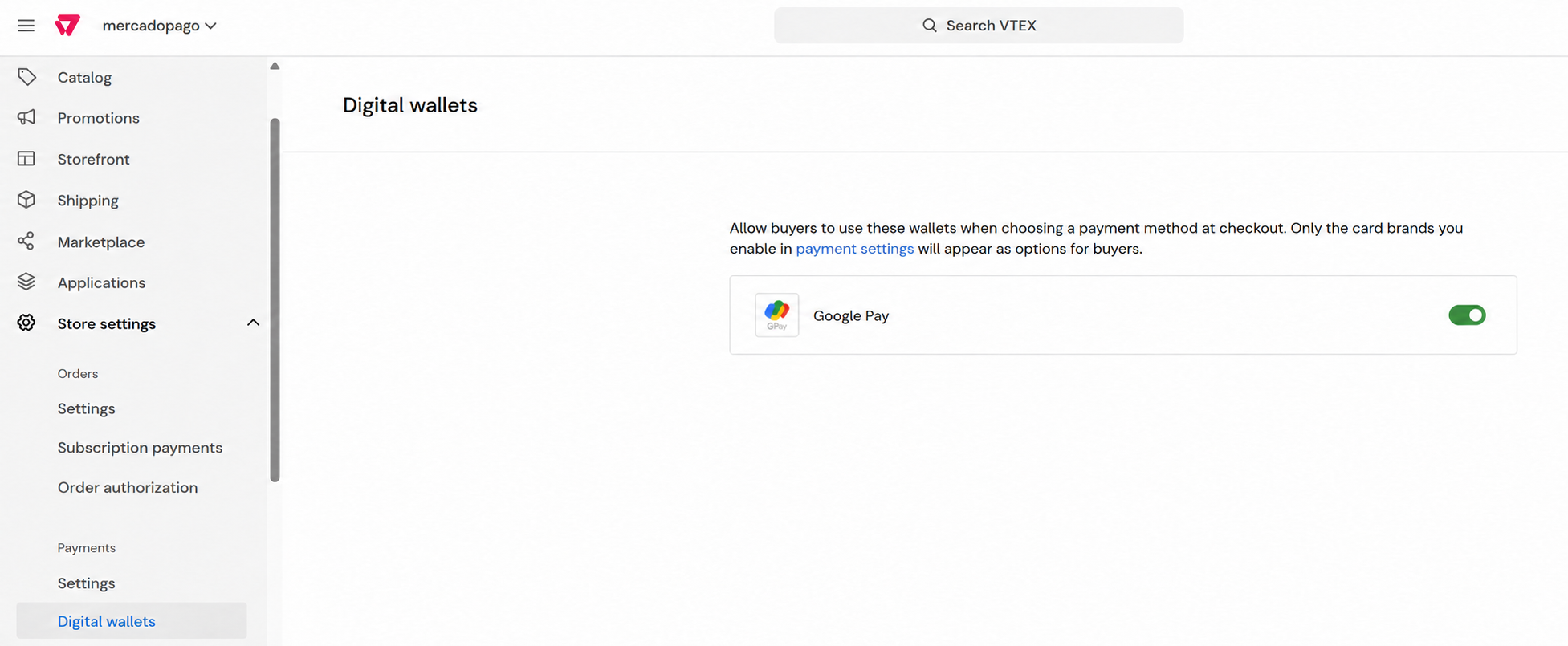
Digital wallets let customers pay with cards they have already added to their wallet, without entering their card details again at checkout.
In VTEX, you can offer Google Pay as a digital wallet. VTEX presents this option to customers, manages the encrypted card data, and routes each payment according to the provider configured for the card brand. Mercado Pago processes payments routed to its provider.
Configure Google Pay
To offer Google Pay, enable the wallet in VTEX Admin and review the payment conditions for the card brands you want to accept. Before you begin, configure Mercado Pago as a payment provider.
- In VTEX Admin, go to Store settings > Payments > Digital wallets.
- Turn on the switch for Google Pay.
- Go to Store settings > Payments > Settings.
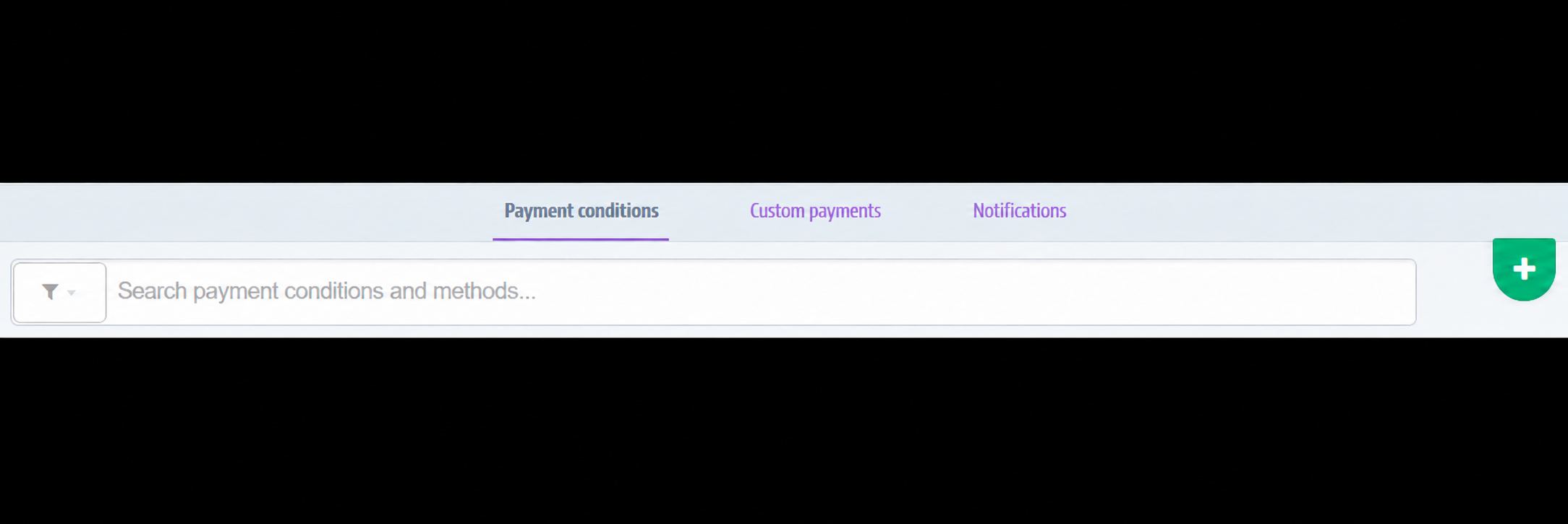
- On the Payment conditions tab, open the condition for each card brand you want to accept with Google Pay.
- Confirm that Status is Active and Process with provider is set to MercadoPagoV2. If you need to change the provider, review how payments for that brand will be routed before clicking Save.

The image shows MercadoPagoV2Stg and a condition named “Google Pay” as examples from a test store. Use the provider configured for your store. If the brand is already active and linked to Mercado Pago, you do not need to create another condition or give it that name.
If a card brand you want to offer does not have a payment condition yet, follow these steps:
- On the Payment conditions tab, click the + button.
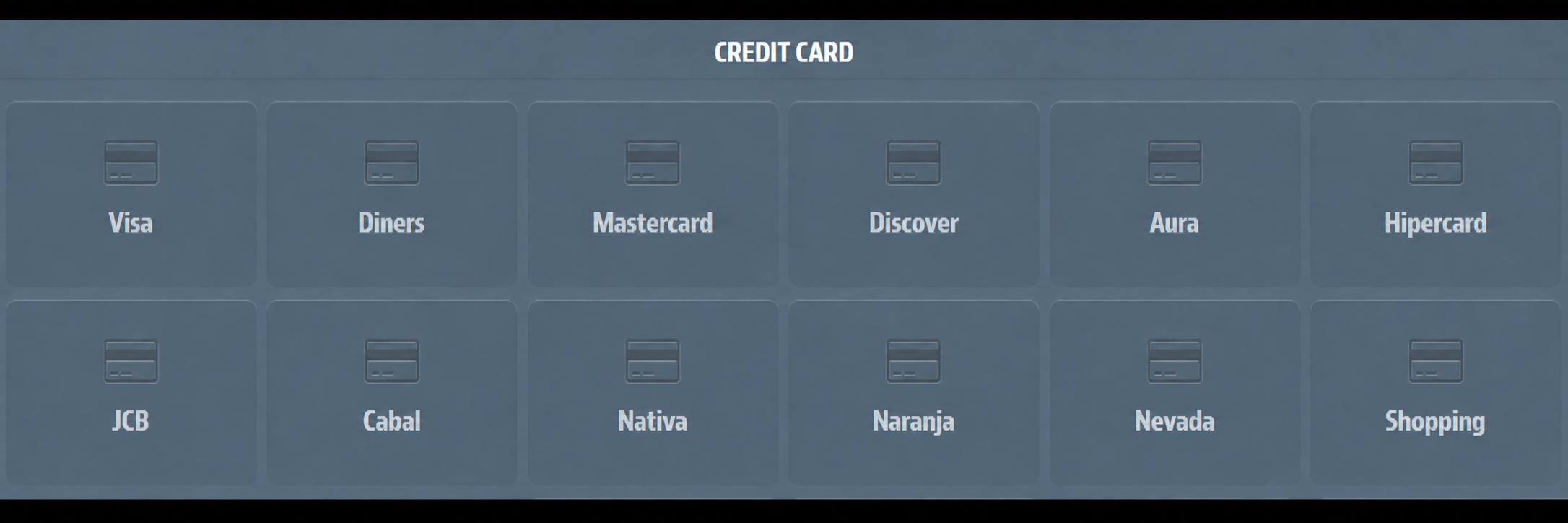
- Under Credit card, select the card brand.
- Name the condition, set Status to Active, and select MercadoPagoV2 under Process with provider. Configure the remaining fields according to your store's rules. For details about these options, see Card payments.
- Click Save. Repeat this process only for brands that are still missing.
The brands shown in the image are examples from a test store and may vary by country.
After completing the configuration, check that Google Pay appears at checkout and that the intended card brands are available. Changes to payment conditions may take up to 10 minutes to appear at checkout.