AI resources
Integrate Mercado Pago Point into your business model Transform the payment experience by integrating Point terminals into your point of sale (POS) system and SELF_SERVICE kiosks (SELF_SERVICE). This integration allows you to process in-person payments with cards, with automatic reconciliation of your sales directly with Mercado Pago.
    In-person payments
    Multiple payment methods
    Automatic reconciliation
    Service experience with or without operator
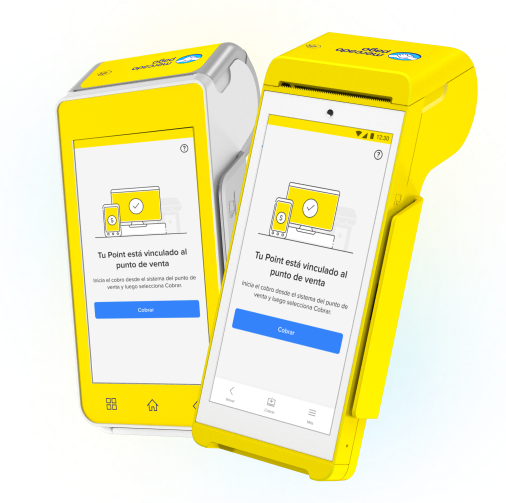
Are you looking for development-free options? Get a card reader ready to operate.
How it works
By integrating Point terminals, payments are processed in a unified manner with your point of sale system or SELF_SERVICE kiosk. This reduces the chance of operational errors and ensures synchronization with Mercado Pago.
How to integrate
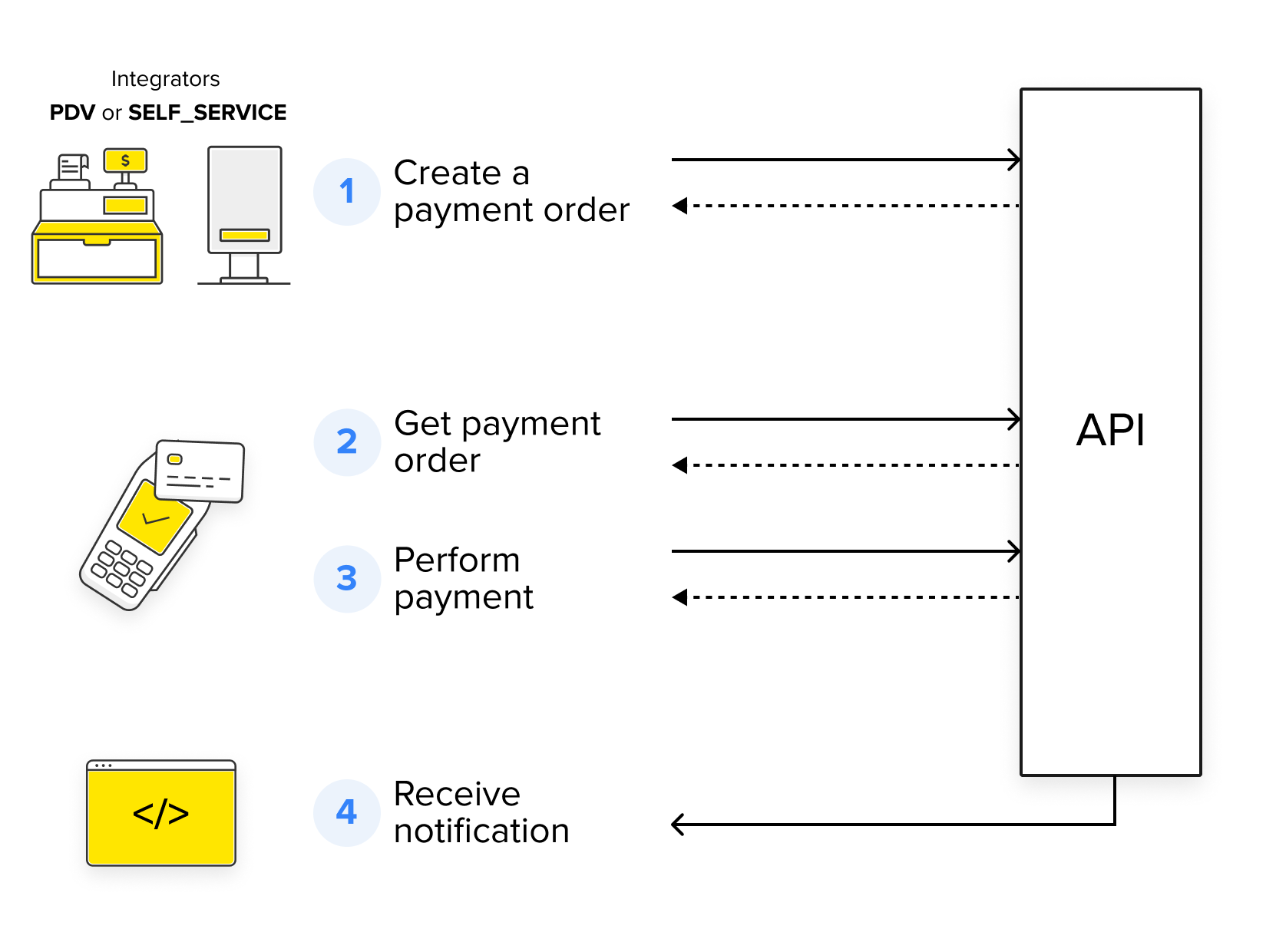
Payment collection process
  1. Create the payment order from your system using our unified API.
  2. The Point terminal will automatically load the order.
  3. The buyer makes the payment with the selected payment method.
  4. The integrated system receives notification of the payment status.
How to integrate
What it offers Unlike models without integration, in which each payment must be processed and reconciled manually, integrating Mercado Pago Point into your store transforms your experience.
    Personalized service
    • Integrate POS mode for traditional service or SELF_SERVICE mode for SELF_SERVICE.
    • Configure the terminal to operate in the mode that best suits your needs.
    Agility in management
    • Manage payments directly from your system or SELF_SERVICE kiosk.
    • Automatically reconcile operations with Mercado Pago.
    Payment experience
    • Offer multiple payment methods and better serve each buyer profile.
    • Choose whether to offer installments with or without interests.
    Unified API
    • Integrate different payment solutions without having to work with several separate APIs.
    • Simplify your integration process with Mercado Pago.
    Efficiency and security
    • Optimize your business's performance by automating tasks and reducing errors in collections and reconciliation.
    • Protect data involved in transactions using HTTPS protocols and OAuth authentications.
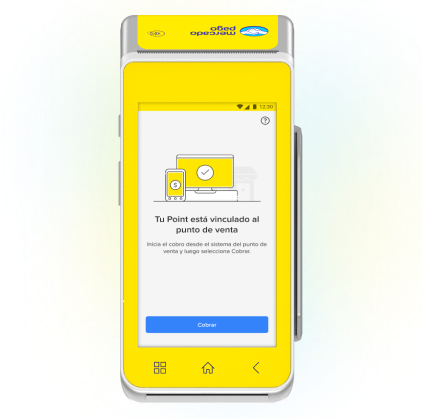
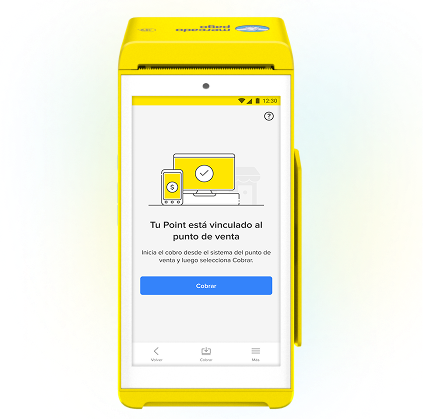
Available terminalsBelow are the terminals that allow you to integrate your business with Mercado Pago Point. If you don't have one, access the official store.
Point Smart 1Go to store
Point Smart 2Go to store
Card payments
Card payments
Debit, credit and prepaid, with chip technology, NFC and magnetic stripe.
Card payments
Debit, credit and prepaid, with chip technology, NFC and magnetic stripe.
Operating mode
Operating mode
POS (Point of Sale)
Operating mode
POS (Point of Sale) and SELF_SERVICE (SELF_SERVICE)
How to integrate
Learn the steps you need to follow to integrate Mercado Pago Point.
Prerequisites
  • Mercado Pago Point Smart terminal
    To offer in-person payments through Point, it is necessary to acquire the machine. If you haven't done so yet, go to the store.
  • Mercado Pago app on your phone
    Along with the machine, it is necessary to have the Mercado Pago app on your phone to log into the terminal. You can download it for Android or iOS devices.
  • Mercado Pago account
    You need to create a user in Mercado Pago or Mercado Libre to have a seller account, either for an own integration or for third parties.
  • Terminal access restriction password
    To use the terminal in the version compatible with the self-service mode (SELF_SERVICE), you must set up an access restriction password so that it is limited only to payment processing, without access to settings and advanced options. To configure it, access the help portal and follow the instructions.
    Integration process
    1. Create an application from Your integrations.
    2. Configure the Point terminal.
    3. Integrate payment processing.
    4. Configure terminal printing.
    5. Configure your payment notifications.
    6. Test your integration.
    7. Go to production.
    I want to start integrating
      flowchart TD
                    A[Create an application from Your integrations] --> B[Configure the Point terminal]
                    B --> C[Integrate payment processing]
                    C --> D[Configure terminal printing]
                    D --> E[Configure your payment notifications]
                    E --> F[Test your integration]
                    F --> G[Go to production]