
AI resources
Integrate Mercado Pago Point into your business model
Transform the payment experience by integrating Point terminals into your point of sale (POS) system or self-service kiosk (SELF_SERVICE). This integration allows you to process in-person card payments and automatically reconcile your sales with Mercado Pago.
In-person payments
Multiple payment methods
Automatic reconciliation
Service experience with or without an operator
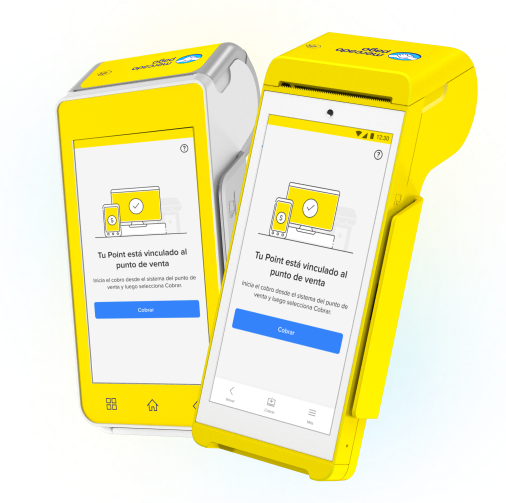
How it works
How to integrate
By integrating payments with Point terminals, you link them directly to your point of sale system or self-service kiosk. This allows you to process payments in a unified manner, reduce operational errors, and keep your system synchronized with Mercado Pago.
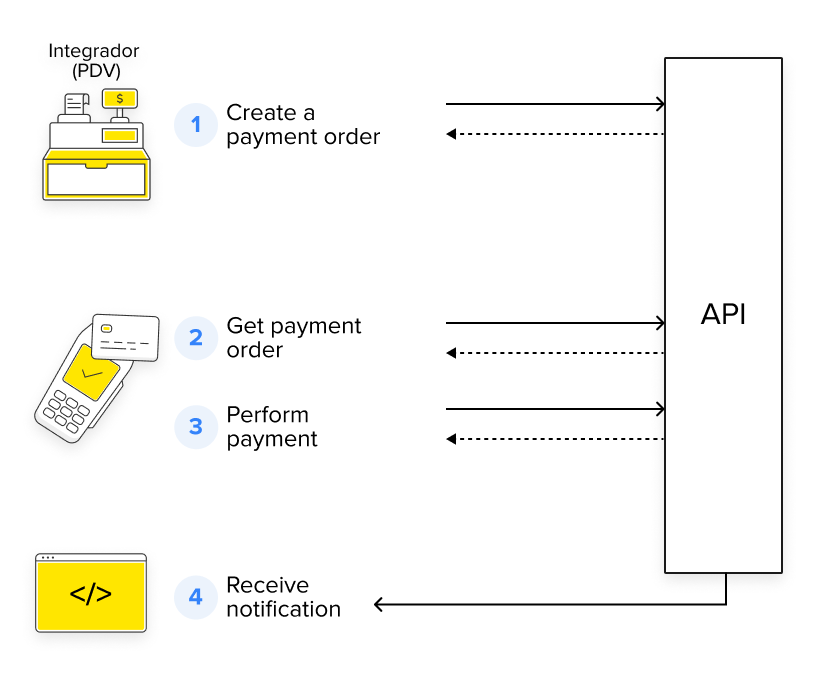
- Create the payment order from your system using our unified API.
- The Point terminal will automatically load the order.
- The buyer makes the payment with the selected payment method.
- The integrated system receives notification of the payment status.
What it offers
Unlike non-integrated models, where each payment must be processed and reconciled manually, integrating Mercado Pago Point transforms your business's payment experience.
- Integrate POS mode for traditional service or SELF_SERVICE mode for self-service.
- Configure the terminal to operate in the mode that best suits your business.
- Manage payments directly from your system or self-service kiosk.
- Automatically reconcile operations with Mercado Pago.
- Offer multiple payment methods and adapt to each buyer.
- Choose whether to offer installments with or without interest.
- Integrate different payment solutions without having to work with several separate APIs.
- Simplify your integration process with Mercado Pago.
- Optimize your business's performance by automating tasks and reducing errors in collections and reconciliation.
- Protect data involved in transactions using HTTPS protocols and OAuth authentications.
Personalized service
Agility in management
Payment experience
Unified API
Efficiency and security
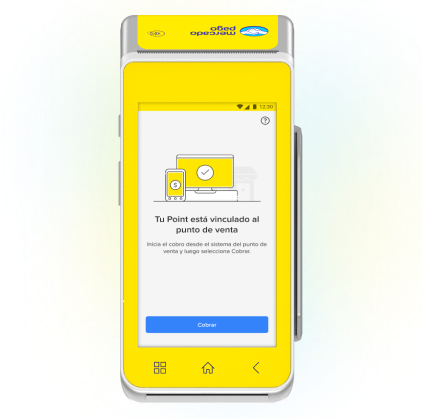
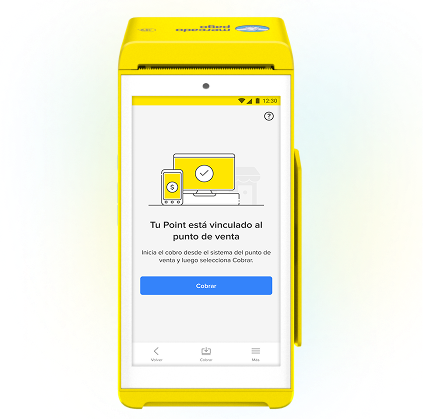
Available terminalsThe following terminals allow you to integrate your business with Mercado Pago Point. If you do not have one, access the official store.
Card payments
Card payments
Debit, credit and prepaid, with chip technology, NFC and magnetic stripe.Card payments
Debit, credit and prepaid, with chip technology, NFC and magnetic stripe.QR code payments
QR code payments
QR code payments
Operating mode
Operating mode
POS (Point of Sale)Operating mode
POS (Point of Sale) and SELF_SERVICE (Self-service) How to integrate
Learn the steps you need to follow to integrate Mercado Pago Point.
Prerequisites
- Mercado Pago Point Smart terminalTo offer in-person payments through Point, it is necessary to acquire the machine. If you haven't done so yet, go to the store.
- Mercado Pago app on your phone
- Mercado Pago accountYou need to create a user in Mercado Pago or Mercado Libre to have a seller account, either for an own integration or for third parties.
- Terminal access restriction passwordTo use self-service mode (SELF_SERVICE), configure an access restriction password so the terminal is limited to payment processing, without access to settings or advanced options. To configure it, access the help portal and follow the instructions.
  flowchart TD
                A[Create your application from Your integrations] --> B[Configure your Point terminal]
                B --> C[Integrate payment processing]
                C --> D[Configure terminal printing]
                D --> E[Set up your payment notifications]
                E --> F[Test your integration]
                F --> G[Measure the quality of your integration]
                G --> H[Go to production]