
AI resources
Integrate Checkout API and customize the whole experience
Incorporate a flexible API into your website so that customers can shop on your website or app without being redirected to an external page.
For online payments
Advanced integration
Without redirect
Total customization
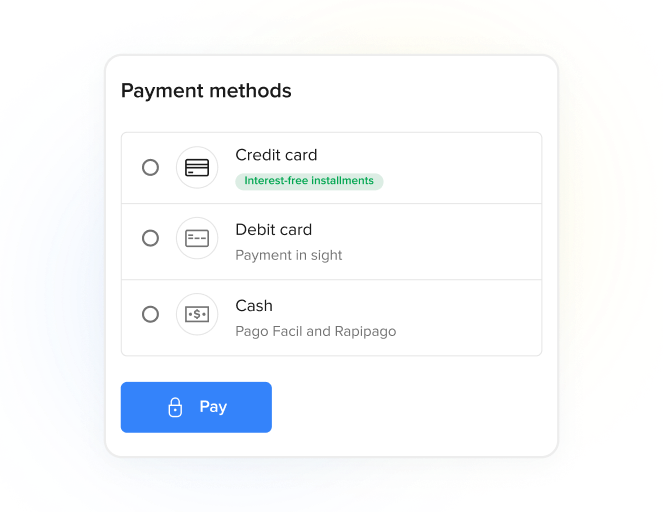
Mercado Pago now offers a new API for Checkout API integrations, with performance improvements and new features. If you are starting a new integration, we recommend using the Orders API.
If, however, you already have an integration through Payments API, it will continue to work normally, but we would like to emphasize that this API will not receive new features, only security and stability fixes.
If, however, you already have an integration through Payments API, it will continue to work normally, but we would like to emphasize that this API will not receive new features, only security and stability fixes.
What it offers
Combine different features to ensure transaction security and conversion.
- Build your checkout tailored to your preferences.
- Receive card transaction data securely and with minimal hassle, enabling a simplified path to PCI certification.
- Adapt the integration to your business needs.
- Offer a purchasing process with just a few steps.
- Ensure a practical and secure completion of the purchase.
Customization and security
Flexibility to integrate
Payment optimization
How it works
Discover the types of integration
The customer chooses the product or service, and the entire purchase and payment process takes place in your store, with the security of Mercado Pago and without leaving your website.
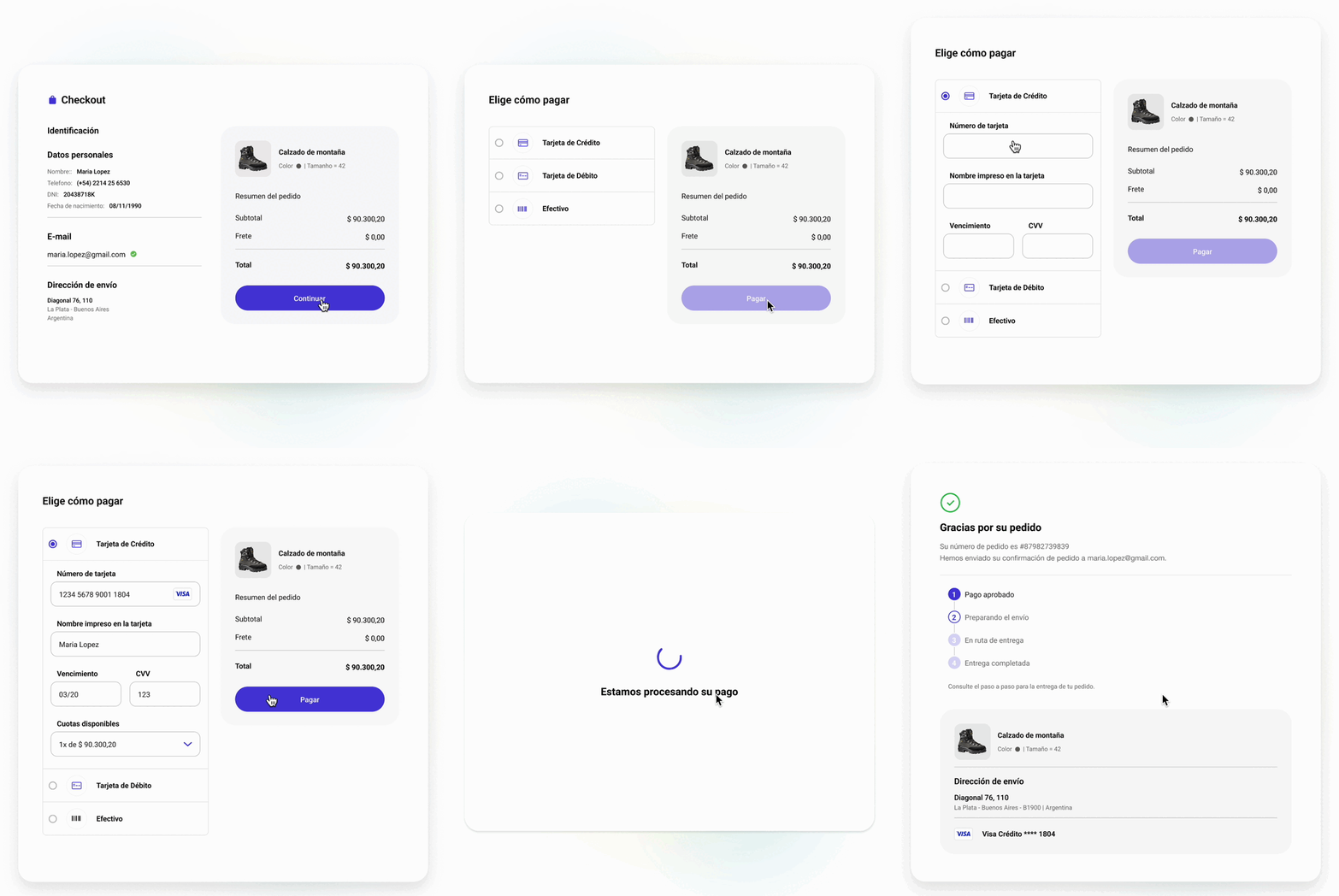
- Buyers select their preferred products or services on your website.
- Once in the payment screen, they choose one of the payment methods integrated to your checkout.
- Then, they must provide the necessary details and complete the purchase without leaving your store.
- Once Mercado Pago’s APIs process the payment, the purchase is confirmed.
What sets it apartCompare our checkouts and choose the option that best fits your business. Check the rates.
Integration effort
Integration effort
Integration effort
Integration effort
Customization level
Customization level
Customization level
Customization level
Design ready to set up
Design ready to set up
-
Design ready to set up
Design ready to set up
Collection experience
Collection experience
On your websiteCollection experience
On your websiteCollection experience
On Mercado PagoPayment methods
Payment methods
Credit or debit card, Rapipago, Pago Fácil, Mercado Pago Wallet and Installments without Card Payment methods
Credit or debit card, Rapipago, Pago Fácil, Mercado Pago Wallet and Installments without Card Payment methods
Credit or debit card, Rapipago, Pago Fácil, Mercado Pago Wallet and Installments without CardAvailability by country
Availability by country
AR
BR
CL
CO
MX
PE
UY
Availability by country
AR
BR
CL
CO
MX
PE
UY
Availability by country
AR
BR
CL
CO
MX
PE
UY
How to integrate
Learn about the steps you need to follow to integrate this solution.
Previous requirements
- Mercado Pago AccountYou need to create a user on Mercado Pago or Mercado Libre to have a seller account.
Integration process
- Create an application from Your integrations
- Configure the development environment
- Configure your preferred payment methods
- Configure payment notifications
- Test your integration
- Go to production
flowchart TD
    A[Your integrations] --> B[Create an application]
    B --> C[Configure development environment]
    C --> D[Configure payment method]
    D --> E[Configure payment notifications]
    E --> F[Test your integration]
    F --> G{Was the test successful?}
    G -- No --> H[Fix configuration] --> F
    G -- Yes --> I{What do you want to do?}
    I -- Go live --> J[Go to production]
    I -- Configure another payment method --> D